Your manga list, finally effortless!
Track every manga, manhwa and manhua you read. Log a chapter in one tap. Free, offline, no account.

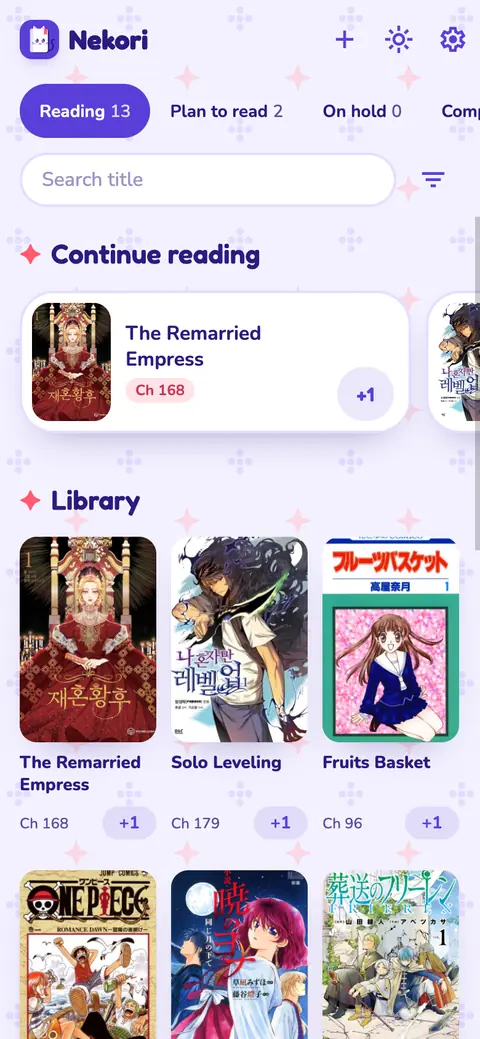
Your library, cozy and tidy.
Everything you need. Nothing you don't.
One tap per chapter
Finished a chapter? Tap +1. No forms, no menus, no friction.
No account, no login
Open it and start. Your list lives on your device.
Works offline
Install it to your home screen. Opens instantly, even without signal.
Offline ready
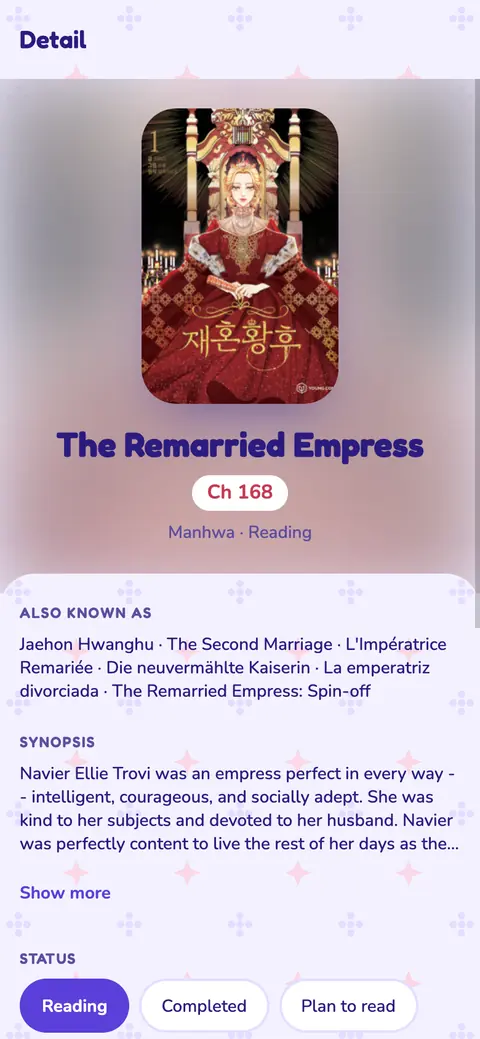
Covers and synopses, automatically
Artwork and descriptions are filled in for you from AniList, so your library looks great from day one.
Import from Comix
Bring your whole list in seconds and re-import later without losing your edits.
Export to MyAnimeList
Your data is yours. Export a MAL-compatible XML or a full backup anytime.
Move from Comix in under a minute.
- 1
In Comix, export your list as CSV.
- 2
Open Nekori and tap “Import Comix CSV”.
- 3
Done. Covers load on their own — keep reading.
Questions, answered.
Is it really free?
Yes. No ads, no account, no paywall.
Where is my data stored?
On your device. Use Settings → Full backup to move it to another phone.
Does it work on iPhone and Android?
Yes. It runs in the browser and installs to the home screen on both.
Can I export my list?
Anytime: as a full backup or as MyAnimeList XML.